
12 Best Free Video Editing Apps for Creators in 2025
Filming at a professional space like That Creative Hub is just the first step in bringing your vision to life. Whether you've just wrapped a shoot in our Cyclorama Studio or recorded your latest podcast series, the next crucial stage is post-production. But you don't need a Hollywood budget to create polished, compelling content. High-quality editing is more accessible than ever, thanks to a powerful range of free software. This comprehensive guide explores the 12 best free video editing apps available today, helping you choose the right tool for your project-from quick social media clips to sophisticated brand films.
We realise that navigating the options can be overwhelming, especially when you need to match software capabilities with specific project goals. That's why we've organised this list to give you a clear, practical overview of each platform. For every app, we detail its key features, platform compatibility, and honest pros and cons, ensuring you understand its limitations before you commit. We'll break down each app's unique strengths and ideal use cases, complete with screenshots and direct links, so you can move from filming to finished product with confidence. Think of this as your resource for finding the perfect editor without spending a cent.
1. Blackmagic Design – DaVinci Resolve
DaVinci Resolve is not just another free video editing app; it's a professional, all-in-one production suite trusted by Hollywood studios and independent creators alike. The free version offers a staggering amount of power, far exceeding what many paid applications provide. It integrates high-end editing, colour correction, visual effects (Fusion), and professional audio production (Fairlight) into a single, seamless workflow.
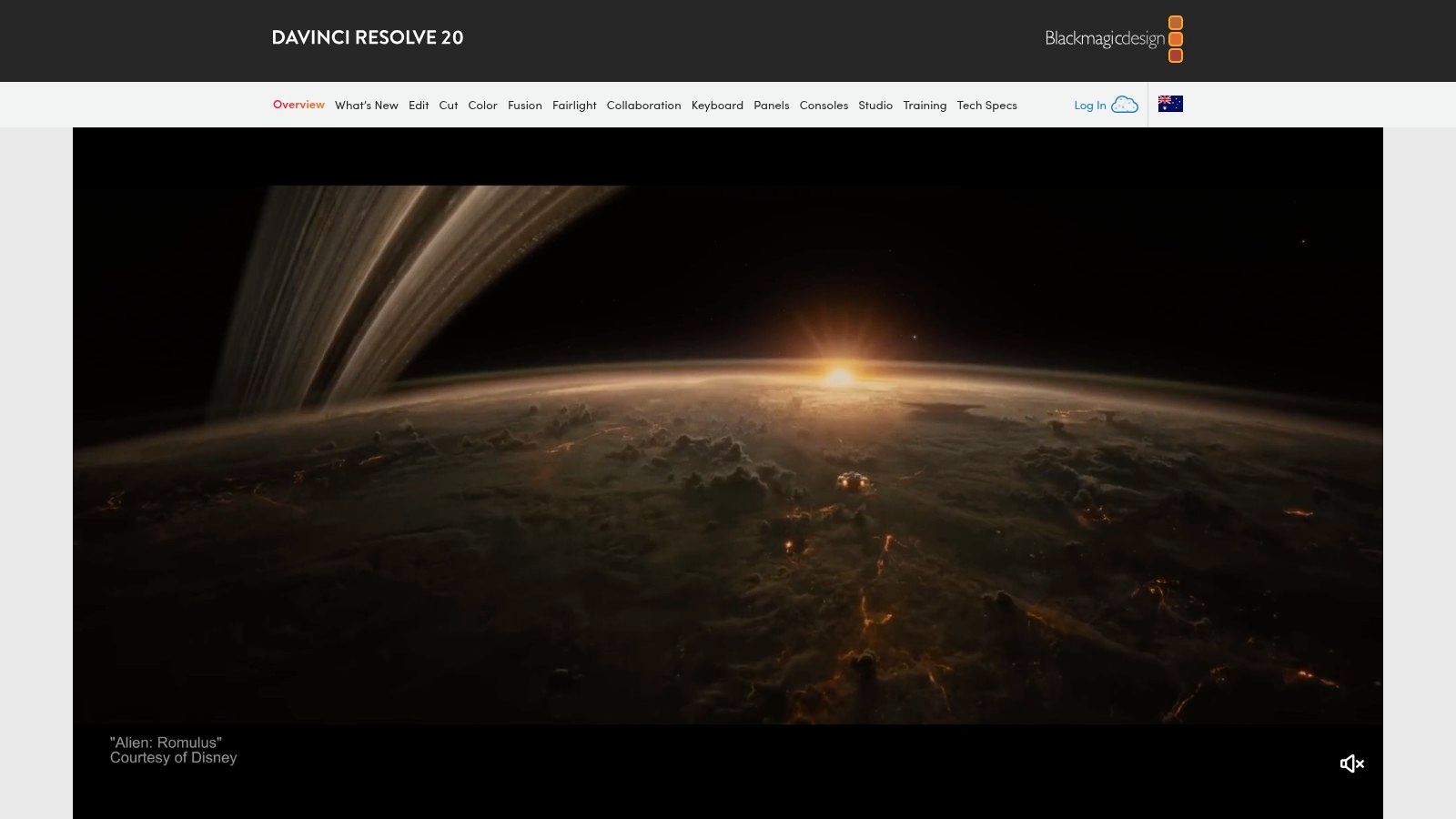
This makes it the best choice for creators who want to learn a system they won't outgrow. Whether you are producing a YouTube series, a short film, or branded marketing content, Resolve’s node-based colour grading and Fairlight audio suite provide unparalleled control. It's an ideal tool for creators who need a professional-grade finish without the subscription fees.
Core Features & Limitations
Feature | What It Offers |
|---|---|
Editing & Colour | Industry-leading colour correction tools and multiple editing interfaces. |
VFX & Audio | Integrated Fusion VFX and Fairlight audio post-production suite. |
Export Quality | Supports up to 4K Ultra HD at 60 frames per second in the free version. |
Learning Curve | High. Requires dedication to master due to its complexity. |
Hardware Needs | Demanding. Needs a powerful computer with a dedicated GPU for smooth use. |
2. Apple iMovie
For creators embedded in the Apple ecosystem, iMovie is the quintessential starting point for video editing. Pre-installed on most Apple devices, it offers a beautifully simple, intuitive interface that makes it one of the best free video editing apps for beginners. It excels at turning raw footage into polished social media clips, family videos, or school projects with minimal effort, thanks to streamlined tools and ready-to-use templates.
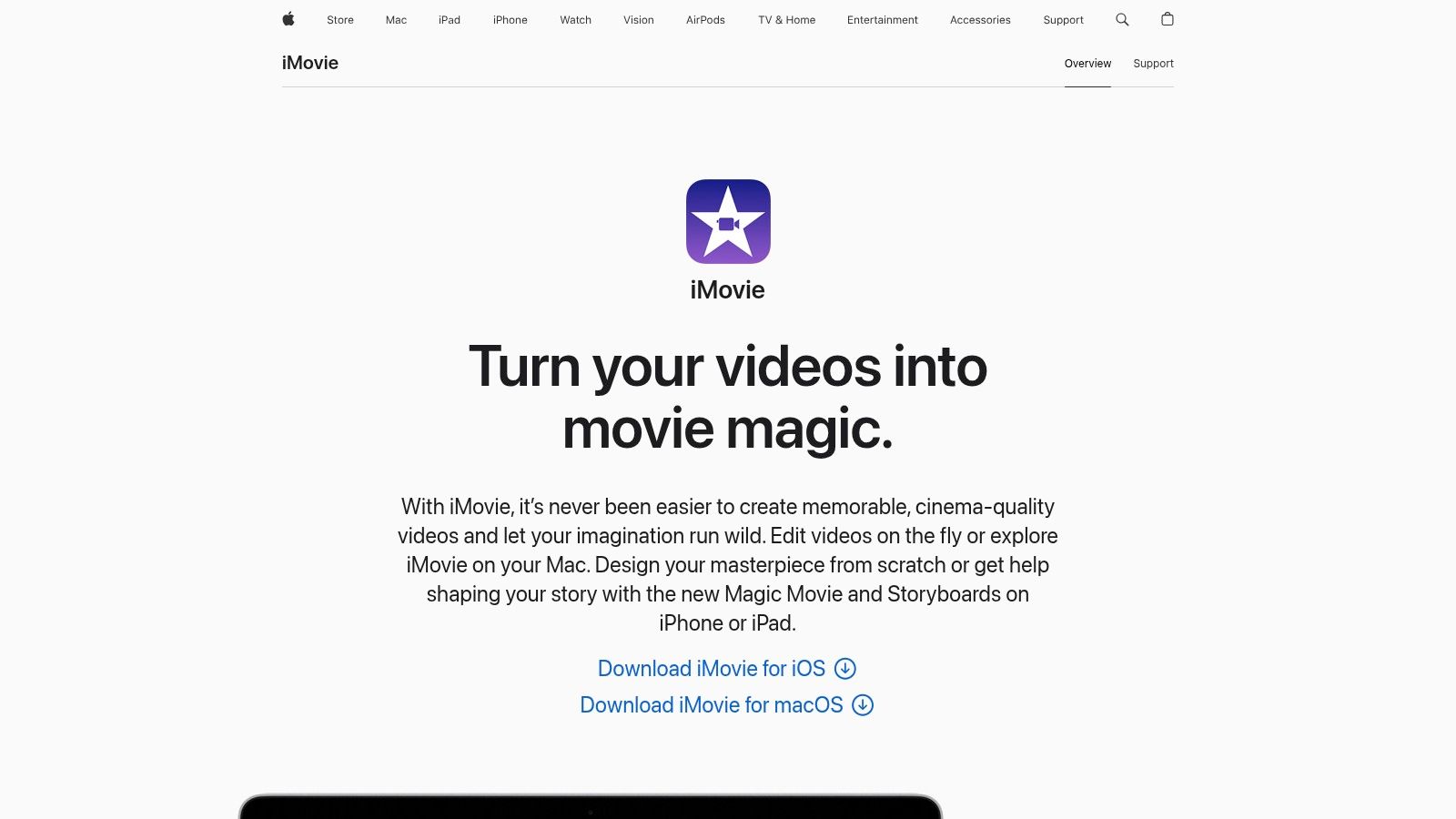
iMovie stands out for its seamless workflow across iPhone, iPad, and Mac, allowing you to start a project on one device and finish it on another. Features like Magic Movie and Storyboards guide new creators through the editing process, making it incredibly accessible. While it lacks the deep customisation of professional software, its efficiency and ease of use make it the perfect tool for quick edits and for those learning the fundamentals of video storytelling.
Core Features & Limitations
Feature | What It Offers |
|---|---|
Editing & Templates | Magic Movie for automated edits and Storyboards for guided creation. |
Platform Integration | Seamless project syncing and editing across all Apple devices. |
Export Quality | Supports up to 4K resolution, ensuring high-quality final videos. |
Learning Curve | Low. Extremely user-friendly and designed for beginners. |
Hardware Needs | Minimal. Runs efficiently on all modern Apple hardware. |
Website: https://www.apple.com/au/imovie/
3. Microsoft Clipchamp
Microsoft Clipchamp is a refreshingly simple and accessible video editor that runs directly in your browser or as a native Windows app. Its major advantage is its generous free tier, which includes watermark-free 1080p exports, a feature often locked behind a paywall in other apps. This makes it one of the best free video editing apps for creators focused on producing high-quality content for social media, tutorials, or quick marketing videos without a steep learning curve.
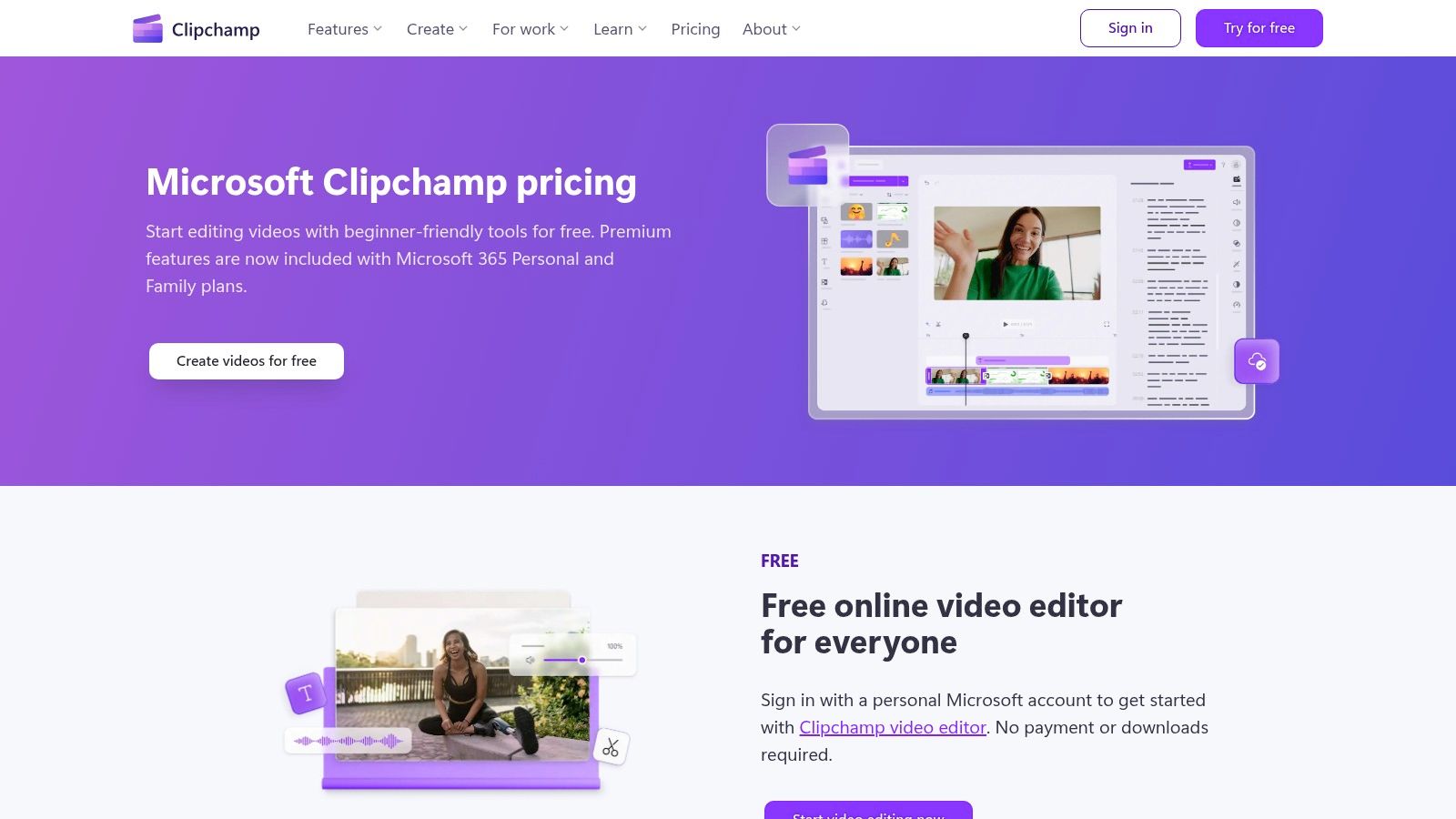
The platform is designed for speed and convenience, integrating seamlessly with Microsoft accounts and OneDrive for easy file management. Unique features like an AI-powered text-to-speech voice generator and automatic captions provide significant value for creators aiming to maximise accessibility and engagement. While it lacks the depth of a professional suite, its template-driven workflow is perfect for producing polished content quickly.
Core Features & Limitations
Feature | What It Offers |
|---|---|
Editing & Templates | User-friendly timeline editor with a large library of social media templates. |
AI Tools | Free access to an AI voiceover generator and auto-captioning feature. |
Export Quality | Supports watermark-free exports up to 1080p resolution in the free version. |
Learning Curve | Low. The intuitive interface makes it easy for beginners to start editing. |
Hardware Needs | Minimal. Runs efficiently in a web browser, no powerful PC required. |
Website: https://clipchamp.com/en/pricing/
4. CapCut
CapCut has rapidly become a dominant force among the best free video editing apps, largely due to its tight integration with social media workflows, particularly for TikTok and Instagram Reels. Originally a mobile-first editor, it now offers a surprisingly robust experience across desktop and web browsers, making it exceptionally versatile. Its standout features are geared towards speed and modern, trend-driven content creation.
This app is the perfect choice for creators who need to produce high-quality, engaging social content quickly without a steep learning curve. The massive library of trending templates, effects, and sounds allows for rapid production, while AI-powered tools like auto-captions and background removal automate previously time-consuming tasks. It's an ideal solution for brand marketers and content creators who prioritise efficiency and a mobile-friendly editing process.
Core Features & Limitations
Feature | What It Offers |
|---|---|
Editing & Templates | Intuitive multi-track timeline with a huge, frequently updated template library. |
AI-Powered Tools | Includes auto-captions, background removal, and text-to-speech features. |
Export Quality | Supports up to 4K resolution at 60 frames per second on most platforms. |
Learning Curve | Low. Extremely intuitive and designed for fast onboarding. |
Privacy Concerns | Moderate. Its link to ByteDance raises data privacy questions for some users. |
Website: https://www.capcut.com/
5. Canva Video Editor
Canva Video Editor has transformed video creation for social media managers, marketers, and small business owners who need polished content without a steep learning curve. It leverages Canva's famous drag-and-drop interface, making it one of the best free video editing apps for speed and simplicity. It’s an entirely browser-based tool, backed by a colossal library of templates, stock footage, audio tracks, and graphics, enabling rapid production of reels, ads, and presentations.
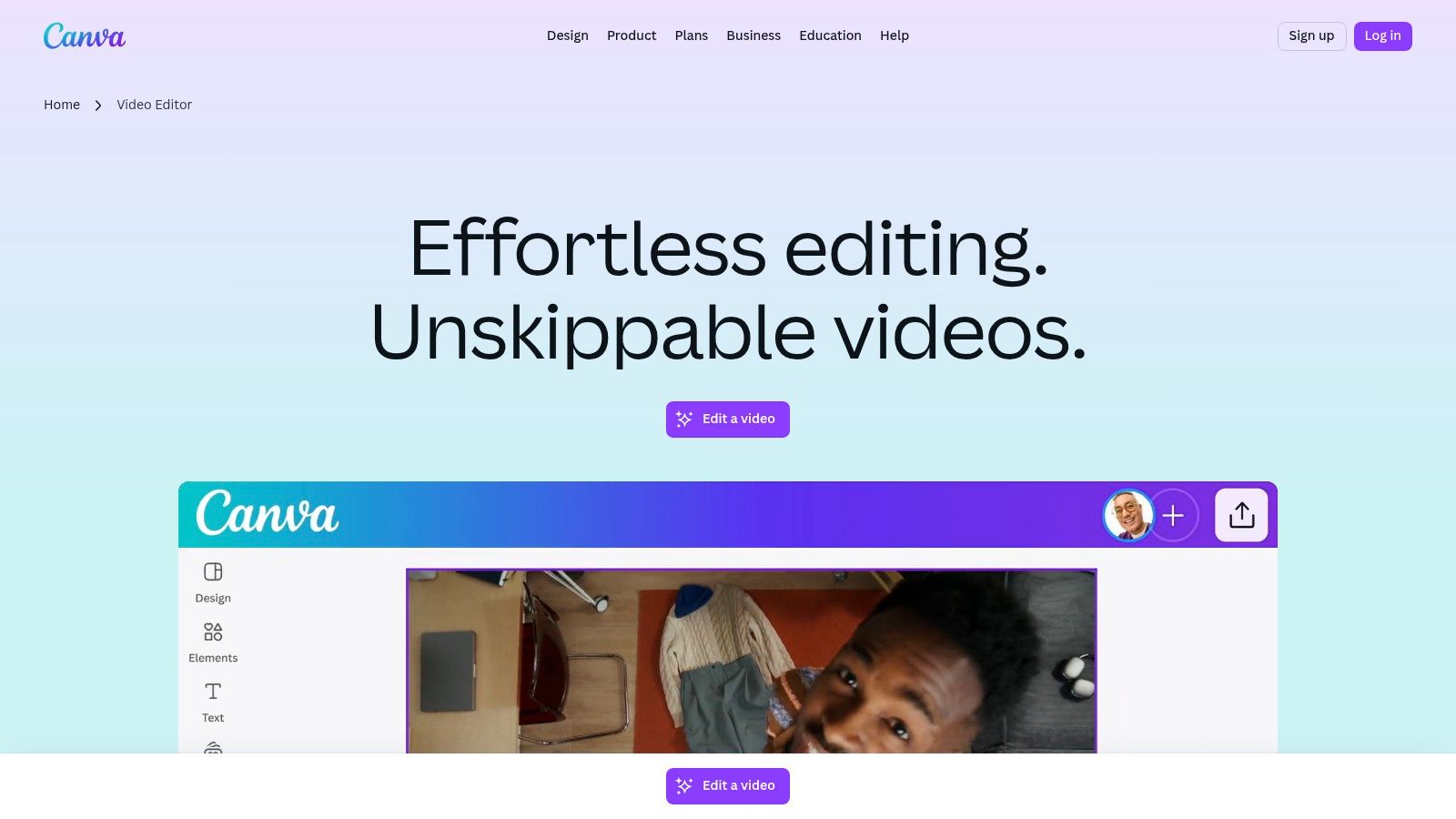
This platform excels at maintaining brand consistency, allowing users to apply brand colours and logos across projects effortlessly. While it lacks the intricate timeline control of professional software, its purpose is different: to empower non-editors to produce visually appealing videos quickly. For creators needing a space to film their content before editing, understanding your guide to a recording room for rent can provide the perfect setup to complement Canva’s easy workflow.
Core Features & Limitations
Feature | What It Offers |
|---|---|
Interface & Usability | Intuitive drag-and-drop timeline perfect for beginners. Runs in any web browser. |
Asset Library | Massive collection of stock videos, audio, templates, and graphic elements. |
Export Quality | Supports up to 1080p HD video downloads in the free plan. |
Advanced Tools | Limited. No multicam, advanced colour grading, or complex audio mixing. |
Subscription Model | Freemium. Key assets, brand kit, and AI tools require a Canva Pro subscription. |
Website: https://www.canva.com/video-editor/
6. Adobe Express – Video
Adobe Express is the answer for creators who need to produce high-quality social media and marketing videos quickly, without a steep learning curve. Positioned as a simplified, all-in-one content creation tool, its video editor is template-driven and designed for speed. It's one of the best free video editing apps for marketers, entrepreneurs, and content creators who prioritise efficiency and brand consistency over complex post-production control.
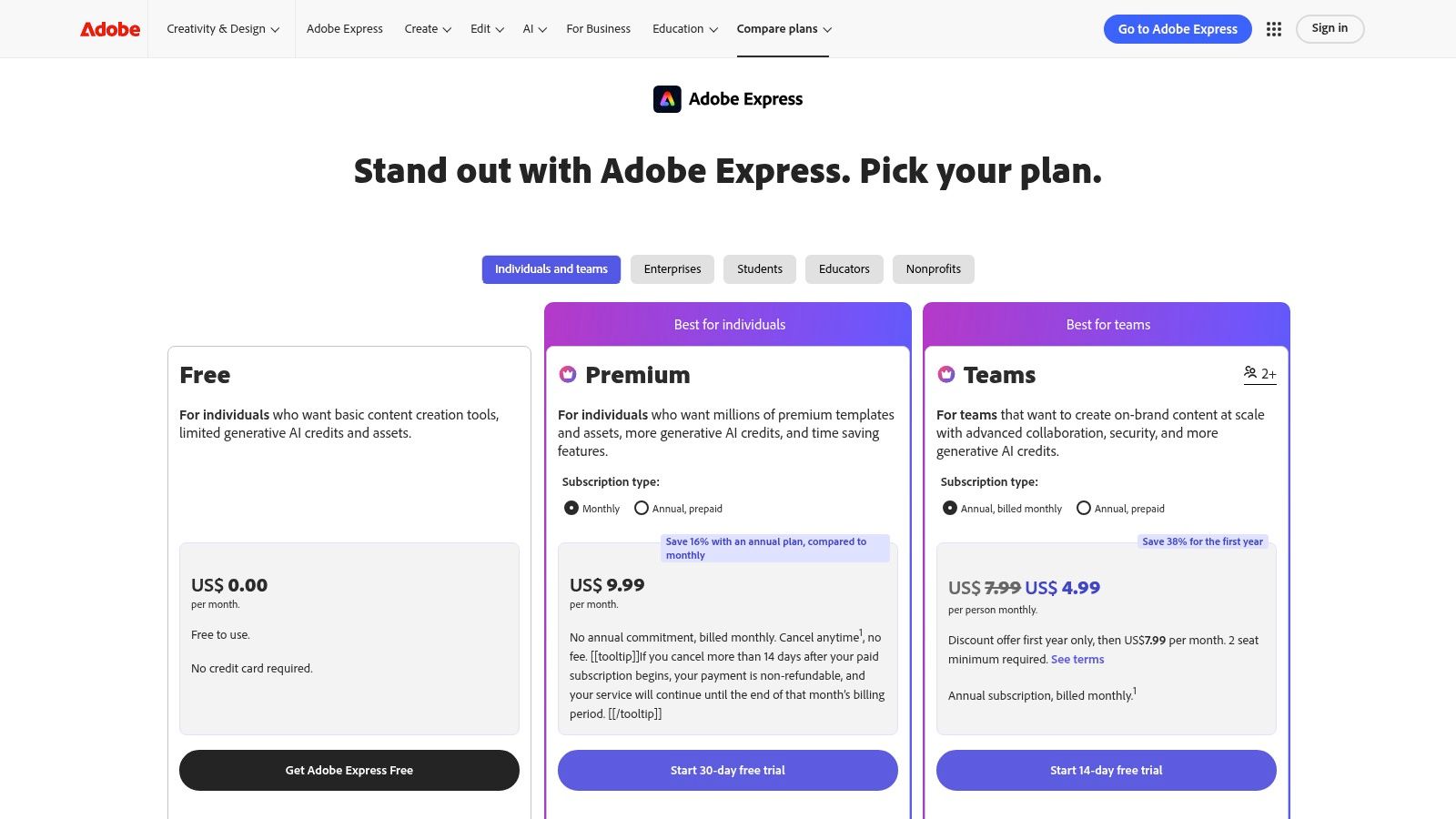
The platform shines with its web and mobile accessibility, allowing you to start a project on your desktop and finish it on your phone. Its direct integration with Adobe's stock library provides a massive pool of assets, while features like one-click resizing for different platforms (e.g., Reels, TikTok, YouTube Shorts) streamline the content workflow. It's the ideal tool for producing polished, on-brand promotional videos with minimal fuss.
Core Features & Limitations
Feature | What It Offers |
|---|---|
Editing & Templates | Simple timeline-based editing with a vast library of professional templates. |
Stock Integration | Direct access to Adobe Stock photos, videos, and music within the editor. |
Platform Resizing | One-click tools to automatically resize videos for various social media formats. |
Learning Curve | Low. The intuitive interface makes it extremely approachable for beginners. |
Feature Access | Limited. Some advanced features and premium assets require a paid subscription. |
7. Adobe Premiere Rush
Adobe Premiere Rush is designed for creators who need speed, simplicity, and cross-device functionality. It serves as Adobe’s entry-level video editor, offering a streamlined experience for crafting high-quality social media content and quick vlogs without the steep learning curve of its professional counterpart, Premiere Pro. Its intuitive interface is consistent across desktop and mobile, allowing you to start a project on your phone and finish it on your computer seamlessly.
This app is ideal for marketers, influencers, and small business owners who need to produce polished videos quickly. The free Starter plan offers enough core features for basic projects, including a magnetic timeline that simplifies arranging clips, essential audio tools, and direct export options to social media platforms. For those looking to create more advanced projects, exploring options for corporate video production in Melbourne can provide deeper insights into professional workflows.
Core Features & Limitations
Feature | What It Offers |
|---|---|
Editing & Interface | Simple, user-friendly UI with drag-and-drop editing and a magnetic timeline. |
Cross-Device Sync | Start on one device and continue on another via Adobe Creative Cloud. |
Export Quality | Free plan allows unlimited exports on mobile; 3 exports on desktop. |
Learning Curve | Low. Designed for beginners and is very easy to pick up and use. |
Hardware Needs | Low. Runs well on most modern computers, tablets, and smartphones. |
8. Shotcut
Shotcut is a powerful, open-source, and completely free video editing app that delivers impressive functionality without ads or watermarks. As a cross-platform editor, it works seamlessly on Windows, macOS, and Linux, making it a versatile choice for creators using different operating systems. It stands out for its extensive format support, meaning you can edit virtually any video file without needing to convert it first.
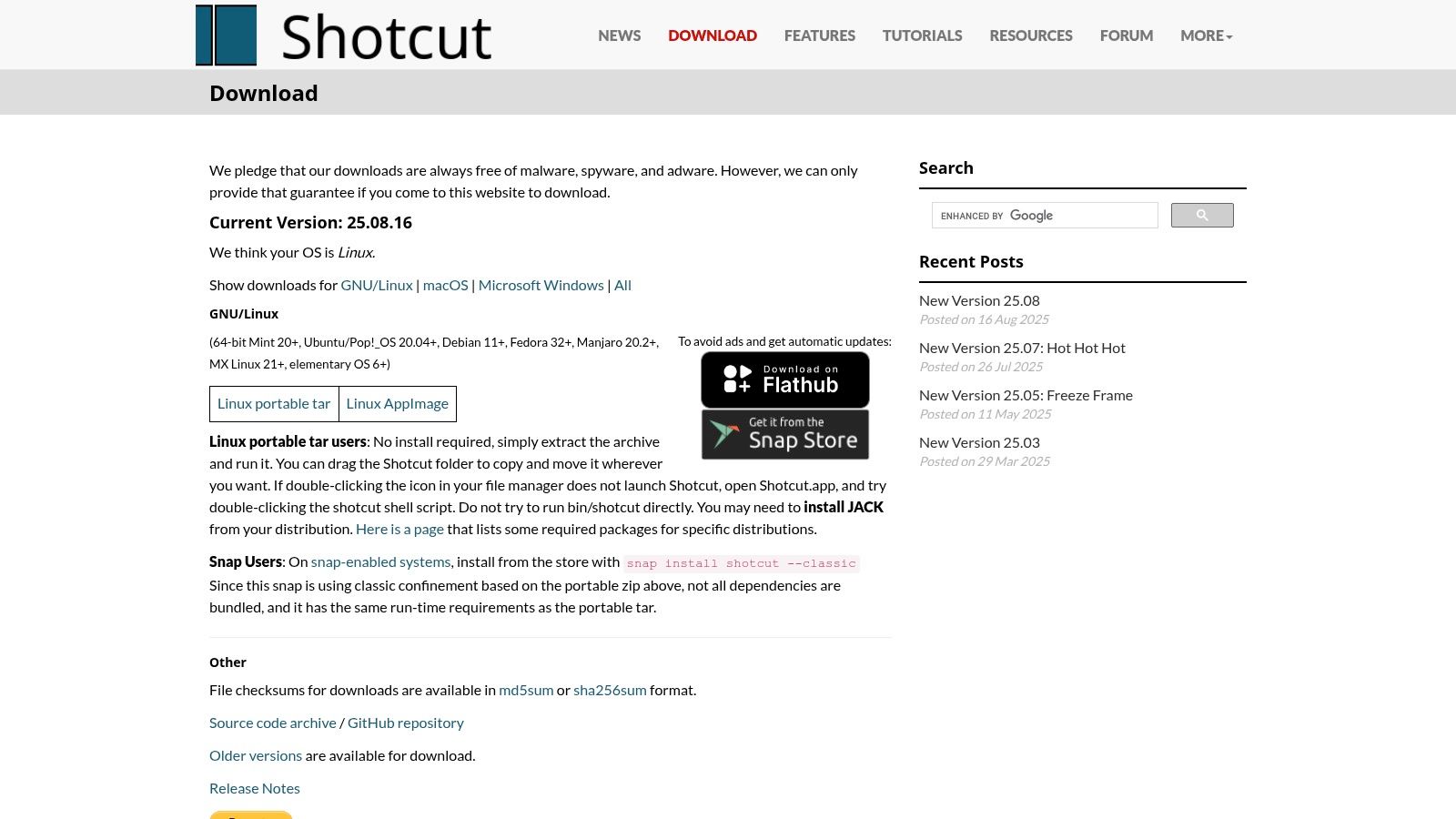
This makes Shotcut an excellent option for creators who need a reliable, no-cost solution that doesn't compromise on core features like 4K resolution support and native timeline editing. While its interface is more utilitarian than flashy, it’s a robust tool for anyone from YouTubers to small business owners who want to produce high-quality content without investing in expensive software. Its active development community also ensures it receives frequent updates and improvements.
Core Features & Limitations
Feature | What It Offers |
|---|---|
Format Support | Extensive support for hundreds of audio and video formats via FFmpeg. |
Editing & Effects | Native timeline editing, 4K resolution support, and a wide array of filters. |
Cost & Access | 100% Free. Open-source with no watermarks, ads, or paid upgrades. |
Learning Curve | Moderate. Steeper than template-based apps but accessible for motivated beginners. |
User Interface | Functional and customisable but lacks the polished design of premium editors. |
Website: https://www.shotcut.org/download/
9. OpenShot
OpenShot is a powerful yet surprisingly accessible free video editing app, designed to be easy to use and quick to learn. As a completely free, open-source, and cross-platform editor, it provides an excellent entry point for beginners or those who need to complete straightforward projects without a steep learning curve or subscription costs. It offers a clean, user-friendly interface with more advanced features hidden just beneath the surface.
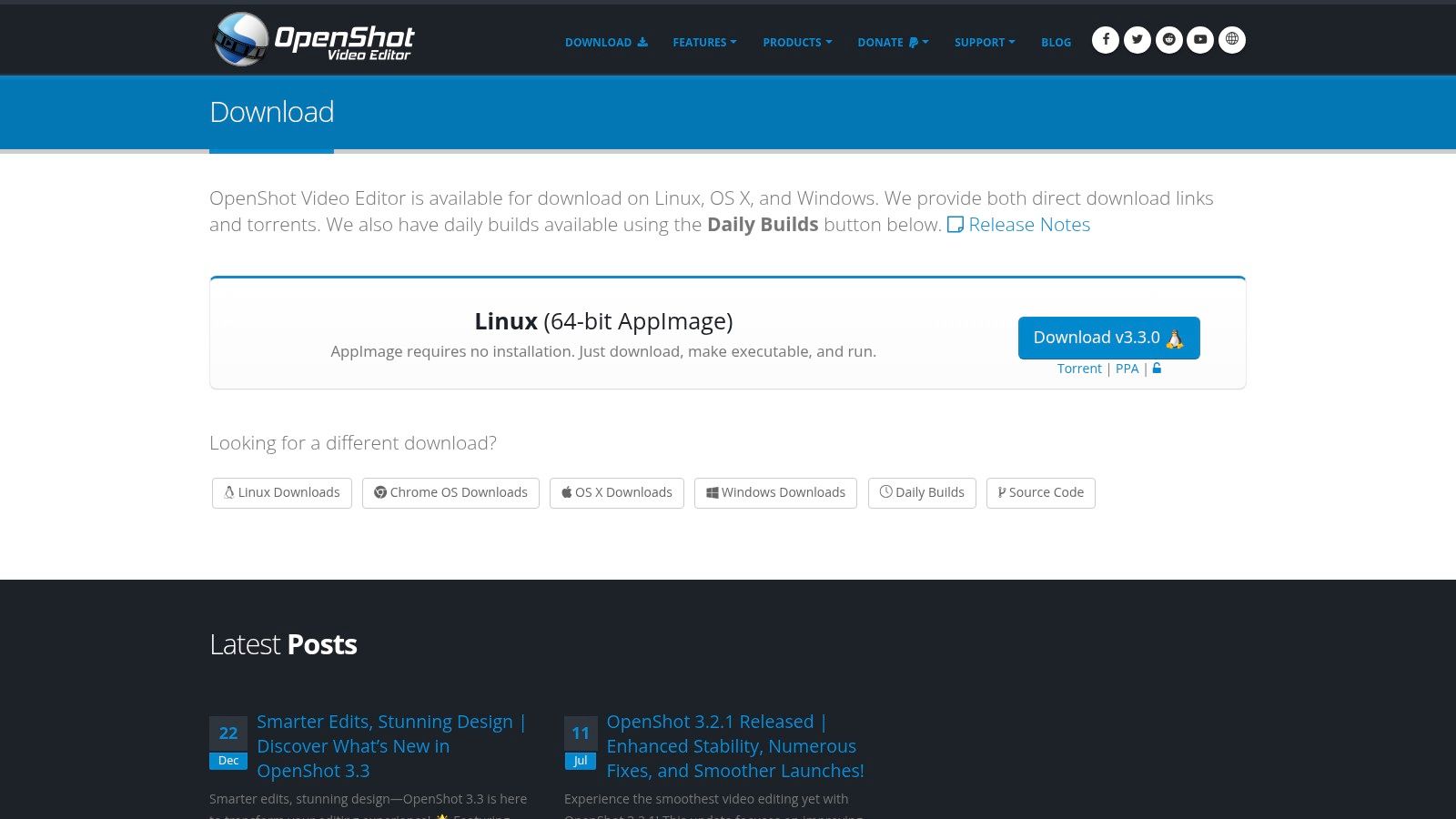
The platform stands out for its unlimited tracks, allowing creators to layer video, audio, and images without restriction. This makes it ideal for producing social media content, tutorials, or family videos that require multiple elements. For creators who want to add a professional touch, OpenShot includes keyframe-based animation and 3D animated titles, providing creative flexibility that is often reserved for paid software. It’s a solid choice for anyone needing a reliable, no-cost editor.
Core Features & Limitations
Feature | What It Offers |
|---|---|
Editing & Layers | Unlimited tracks for video, audio, and images with a simple drag-and-drop UI. |
Effects & Titles | Built-in video effects, transitions, and a 3D animated title creator. |
Cross-Platform | Native support for Windows, macOS, and Linux, ensuring wide compatibility. |
Learning Curve | Low. Its intuitive design makes it one of the easiest apps for beginners. |
Performance | Inconsistent. Can sometimes be slow or unstable, especially on older hardware. |
Website: https://www.openshot.org/download/
10. Kdenlive
Kdenlive is a powerful, free, open-source video editor from the KDE community with pro-level features, frequent updates, and multiple installation packages for Linux, Windows, and macOS. It supports multitrack timelines, a robust effects and transitions library, and proxy editing for smooth performance on modest hardware. As a cross-platform solution it adapts easily to various workflows, making it an ideal choice among the best free video editing apps. It also includes keyframe animations and project versioning for iterative edits.
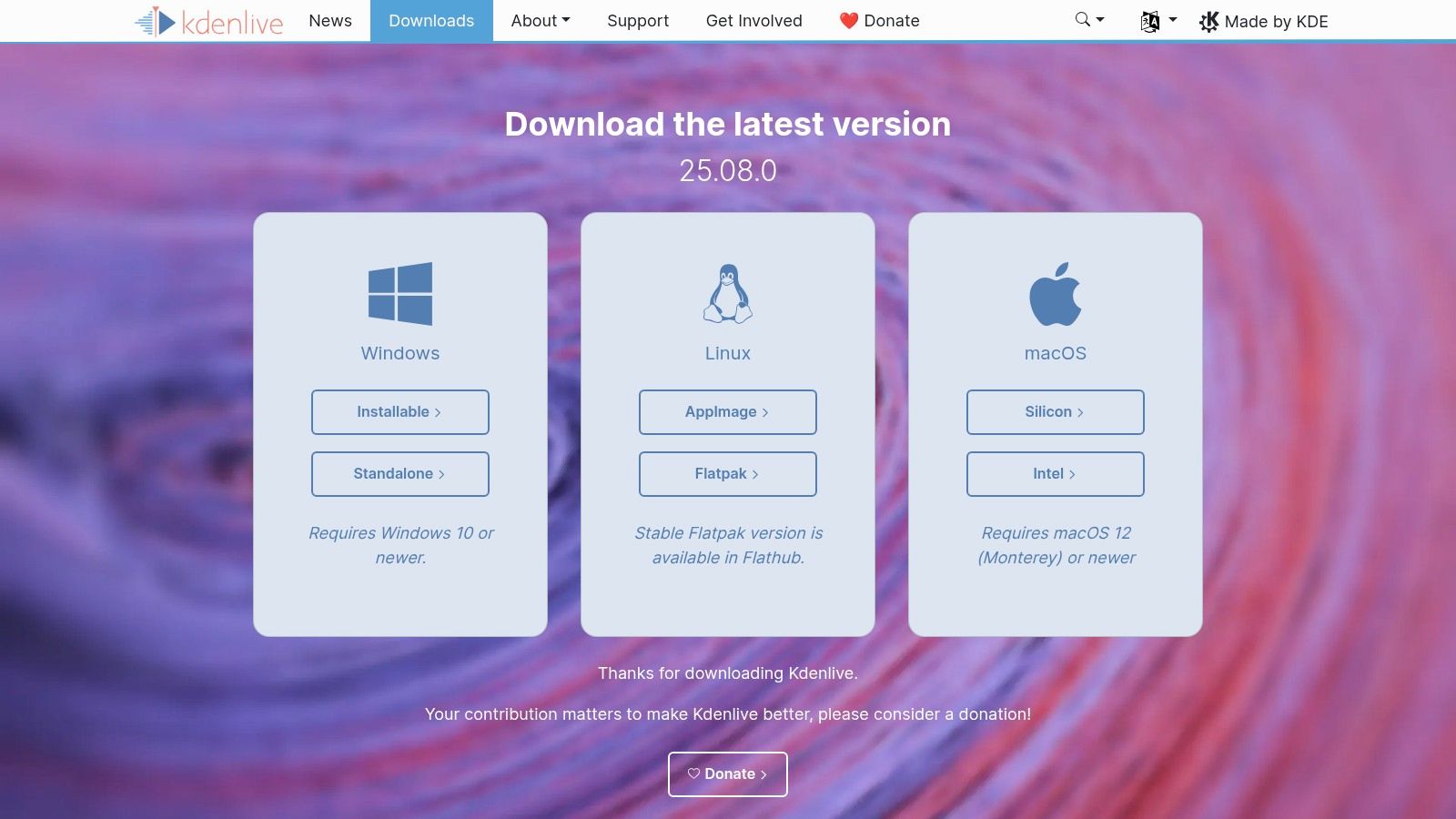
At That Creative Hub, we integrate Kdenlive into our DIY and podcast studios with pre-installed packages via AppImage or Flatpak. Just bring your camera to our cyclorama studio or podcast set and ask our concierge to pair you with an editor or guide you through a Kdenlive workflow. While the interface has a moderate learning curve, our production manager and active online community provide tutorials and rapid updates to keep you moving. Can’t get a crew together? Let us handle it.
Core Features & Limitations
Feature | What It Offers |
|---|---|
Multitrack Editing | Flexible timeline layers for video, audio, and titles |
Effects & Transitions | Built-in library with colour correction, keying, and custom filters |
Proxy Editing | Low-resolution proxies ensure smooth playback on less powerful systems |
Cross-Platform | Native support for Linux, Windows, macOS with AppImage, Flatpak, and native installers |
Learning Curve | Moderate. Some UI complexity but extensive documentation and community support |
Website: https://kdenlive.org/download/
11. Lightworks by LWKS
Lightworks is a veteran in the video editing world, with a history stretching back decades in professional film and television production. Its free tier offers a glimpse into this powerful, non-linear editing system, making it a solid choice for creators who want to learn a workflow trusted in the industry. The interface is flexible and designed for speed, appealing to editors who appreciate a traditional, timeline-focused approach.
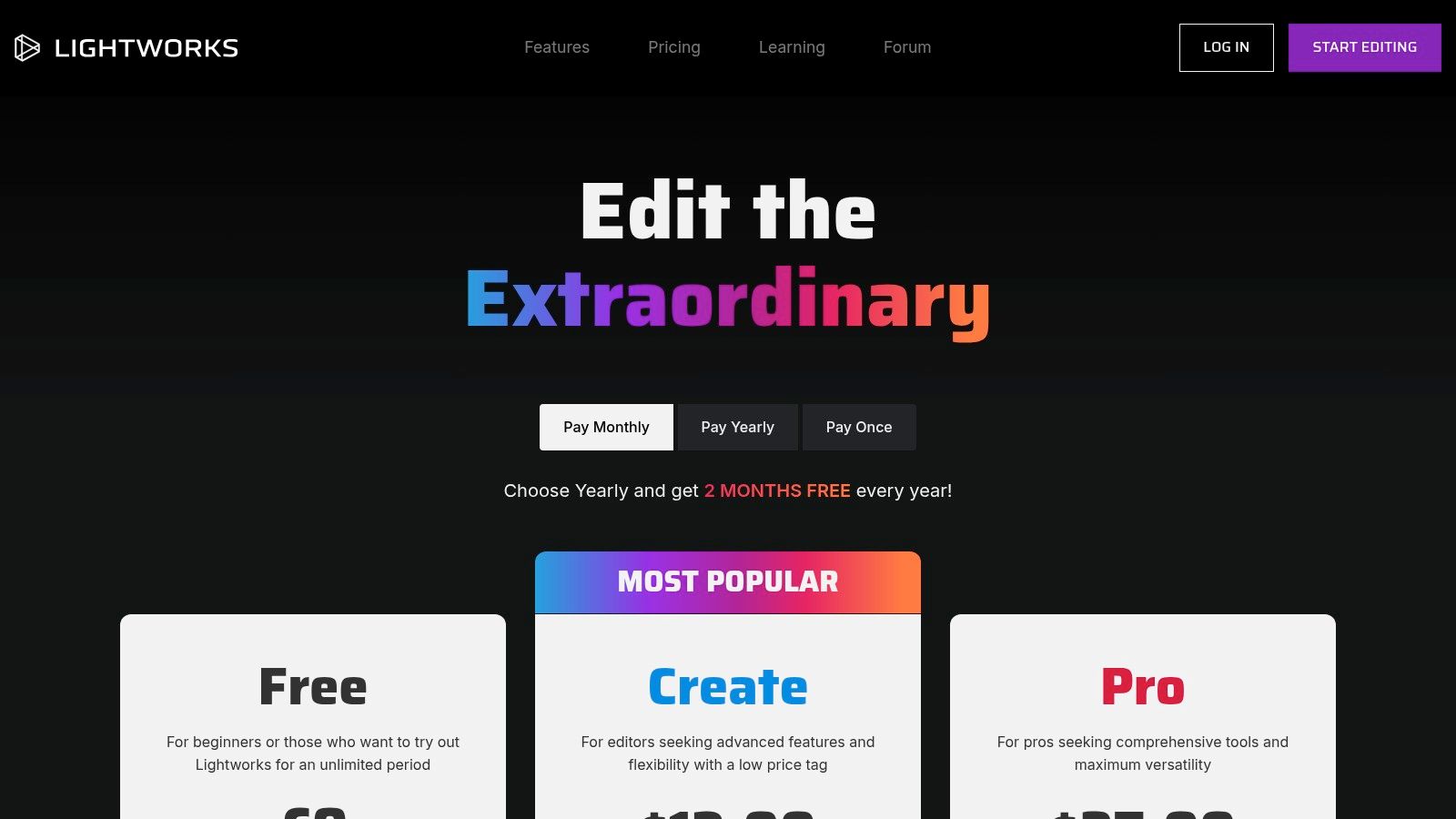
While many free video editing apps are built for beginners, Lightworks provides a professional-grade toolset from the outset. It’s ideal for aspiring editors, students, or small businesses creating social media content who need a reliable system but aren't ready to invest in a paid plan. The clear upgrade path to its Create and Pro versions means you can unlock higher-resolution exports and advanced features as your skills and needs grow.
Core Features & Limitations
Feature | What It Offers |
|---|---|
Editing Workflow | Professional-grade timeline editing with real-time effects and transitions. |
Platform Support | Runs natively on Windows, macOS, and Linux, offering cross-platform freedom. |
Export Quality | Limited. The free version caps exports at 720p HD resolution. |
Learning Curve | Moderate. The interface can be less intuitive for complete beginners. |
Upgrade Path | Paid plans (Create & Pro) unlock 4K exports and advanced format support. |
Website: https://lwks.com/pricing
12. VN (VlogNow) Video Editor
VN Video Editor, also known as VlogNow, has become a powerhouse for mobile creators seeking desktop-grade features without the complexity. It delivers a remarkably clean and intuitive multi-track editing experience on both iOS and Android, standing out as one of the best free video editing apps for on-the-go production. Its interface avoids the clutter and intrusive ads common in many mobile editors, making it a strong alternative to competitors like CapCut.
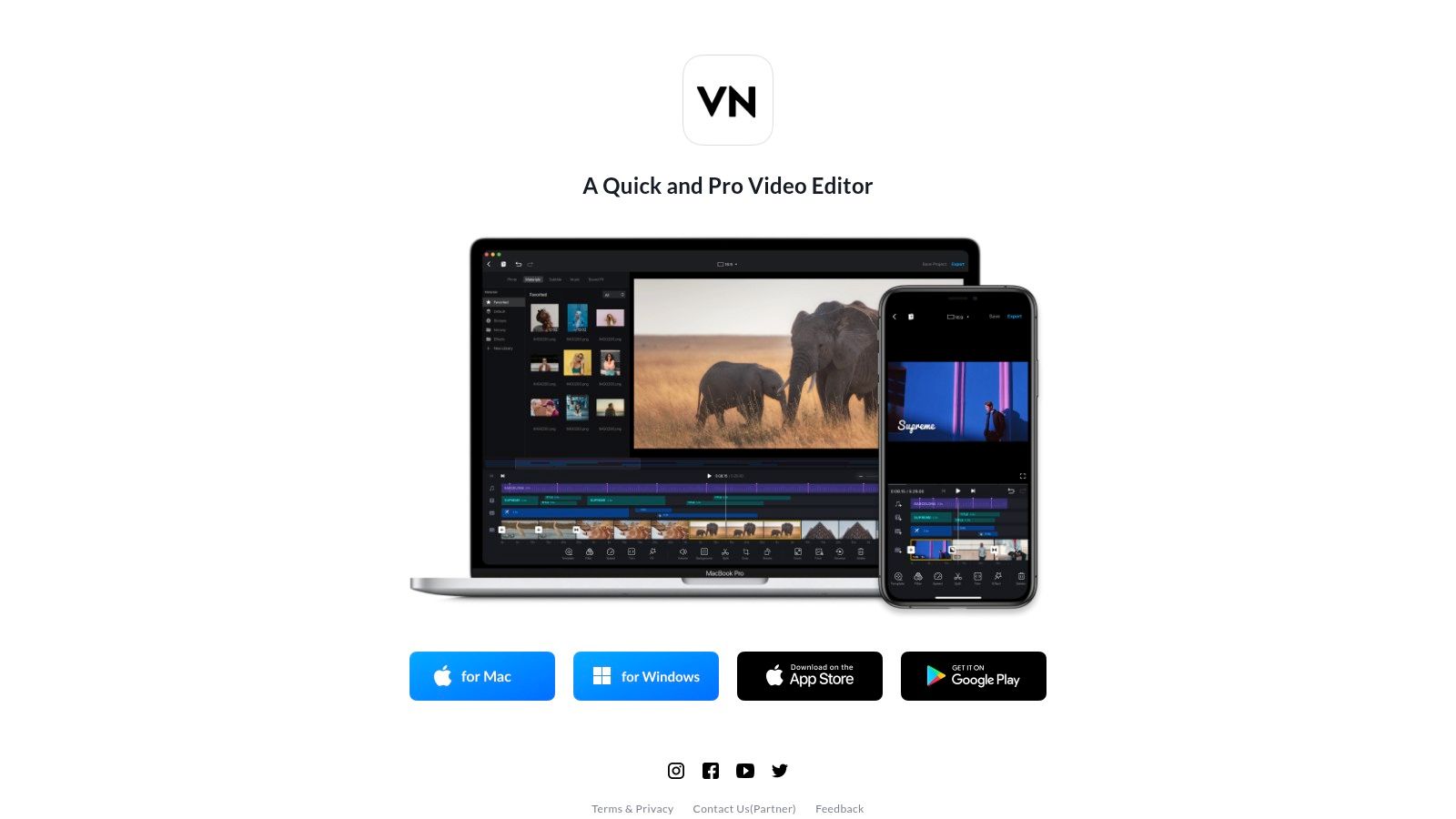
The app is ideal for social media managers, vloggers, and entrepreneurs who need to create polished content quickly. Features like keyframe animation, customisable speed curves, and the ability to import LUTs provide a level of creative control rarely seen in free mobile apps. This control allows you to maintain brand consistency and produce high-quality videos that are ready for any platform.
Core Features & Limitations
Feature | What It Offers |
|---|---|
Editing Interface | Clean, intuitive multi-track timeline perfect for mobile workflows. |
Advanced Controls | Keyframe animation, speed curves, and custom LUT import for colour grading. |
Export Quality | Supports up to 4K resolution at 60 frames per second on capable devices. |
User Experience | Excellent. Minimal ads and no watermarks, which is rare for free apps. |
Effects Library | Limited. Has fewer built-in effects and templates compared to CapCut. |
Website: https://www.vlognow.me/
Key Features Comparison of 12 Free Video Editors
Video Editor | Core Features / Highlights | User Experience ★★★★★ | Value & Pricing 💰 | Target Audience 👥 | Unique Selling Points ✨ |
|---|---|---|---|---|---|
Blackmagic Design – DaVinci Resolve | Pro NLE, advanced color/audio/VFX, collab | ★★★★☆ Steep learning curve | ★★★★☆ Free tier very capable | Pros, studios, creatives | Fusion VFX, Fairlight audio, cross-platform 🏆 |
Apple iMovie | Beginner-friendly, templates, 4K export | ★★★★★ Easy & smooth Apple UX | ★★★★★ Free for Apple users | Beginners, Apple device users | Magic Movie auto-edits, storyboard |
Microsoft Clipchamp | Browser-based, 1080p export, AI voice, templates | ★★★★☆ Easy quick social cuts | ★★★★ Free tier; paid 4K & brand kit | Casual editors, MS users | AI voiceover, OneDrive integration |
CapCut | AI tools, templates, 4K/60fps, multi-platform | ★★★★☆ Fast, social media focused | ★★★★ Mostly free; Pro features locked | Social creators, mobile & web | AI background removal, large template library ✨ |
Canva Video Editor | Drag-drop, stock library, templates | ★★★★☆ Easy browser editing | ★★★★ Free & paid Pro for AI tools | Marketers, non-editors | Brand consistency, screen recording |
Adobe Express – Video | Template-first, social video focus | ★★★★☆ Beginner friendly | ★★★★ Free & premium paid plans | Beginners, marketers | AI generative credits, Adobe Stock integration |
Adobe Premiere Rush | Multi-track, simple UI, social export | ★★★★☆ Smooth cross-device use | ★★★★ Free Starter tier | Beginners stepping to Pro users | Adobe Creative Cloud sync |
Shotcut | Open-source, wide format, 4K support | ★★★☆☆ Utilitarian interface | ★★★★★ Free, no ads | Open-source users, advanced free | Frequent updates, no watermarks |
OpenShot | Basic open-source, unlimited tracks | ★★★☆☆ Simple for beginners | ★★★★★ Free forever | Beginners, basic editors | 3D titles, keyframes |
Kdenlive | Pro features, proxy editing, cross-platform | ★★★☆☆ Complex UI for new users | ★★★★★ Free, open source | Advanced free editor users | Proxy editing, frequent updates |
Lightworks by LWKS | Professional, timeline editing, export limits | ★★★★☆ Stable, mature | ★★★☆☆ Free (720p), paid 4K | Pros wanting free/pro upgrade | Long-established pro editor |
VN (VlogNow) Video Editor | Mobile multi-track, keyframe, LUT, 4K export | ★★★★☆ Clean mobile UX | ★★★★ Mostly free | Mobile vloggers, social creators | Fewer ads/watermarks than competitors |
From Studio Shoot to Final Cut: Your Next Steps
Navigating the landscape of free video editing software can feel overwhelming, but as we've explored, the power available at no cost is truly remarkable. From the Hollywood-calibre colour grading and VFX capabilities of DaVinci Resolve to the seamless, user-friendly experience of Apple iMovie and Microsoft Clipchamp, there is a tool perfectly suited for every creator's workflow and skill level. Whether you're cutting together your first vlog or producing a polished brand video, the key is to match the app's strengths to your project's specific demands.
The journey to an exceptional final video doesn't begin in the editing suite; it starts with high-quality source material. A powerful editor can fix many issues, but it can't create compelling footage from a poorly lit or recorded shoot. This is where a professional environment makes all the difference. Capturing your content in a controlled space like a dedicated studio elevates your raw footage, giving you a superior foundation to work with in post-production. This initial investment in quality significantly reduces editing time and enhances the final product's polish.
How to Make the Most of Your DIY Studio Experience at That Creative Hub
At That Creative Hub, we’re all about empowering you to create — whether you’re a seasoned pro or just starting out. Our spaces are designed to be plug-and-play, but we’re always here to support behind the scenes.
Using the Cyclorama Studio?Bring your own camera and crew or ask us to connect you with a trusted photographer or videographer from our network. If you’re new to lighting or unsure how to get started, we can guide you through what you need or step in with setup support. The goal is to make it easy for you to walk in and create confidently.
Podcast Studio AccessFor podcast users, we offer a fully-equipped, ever-evolving set with a dedicated production manager on-site. Whether you’re filming an interview, a solo series, or a branded piece of content, we can help set the vibe and adjust the layout to suit your vision. The set is flexible, the gear is high-quality, and the support is here if you need it.
Need Help? Just AskCan’t get a crew together? Let us handle it. We act as a concierge service for creators, linking you with the right people and tools to bring your vision to life. From photographers to editors, lighting setups to sound checks — we’ve got you.
Ready to elevate your raw footage before you even hit the export button? A great video starts in a great space. At That Creative Hub, we provide the professional Cyclorama and Podcast studios you need to capture pristine video and audio, ensuring your post-production process is smooth and your final product shines.
Your article is straightforward and well-balanced, and I think it's fantastic how technology is creating internet entertainment venues. For further information, those who are interested may visit the website . An excellent summary of the most recent advancements influencing interactive digital services is given in this article.